
August 1, 2026 · Wyro Labs
Transaction simulations powered by Tenderly
See what a transaction will do to your balances before you sign — dry-runs powered by Tenderly, built into Wyro’s approval flow.
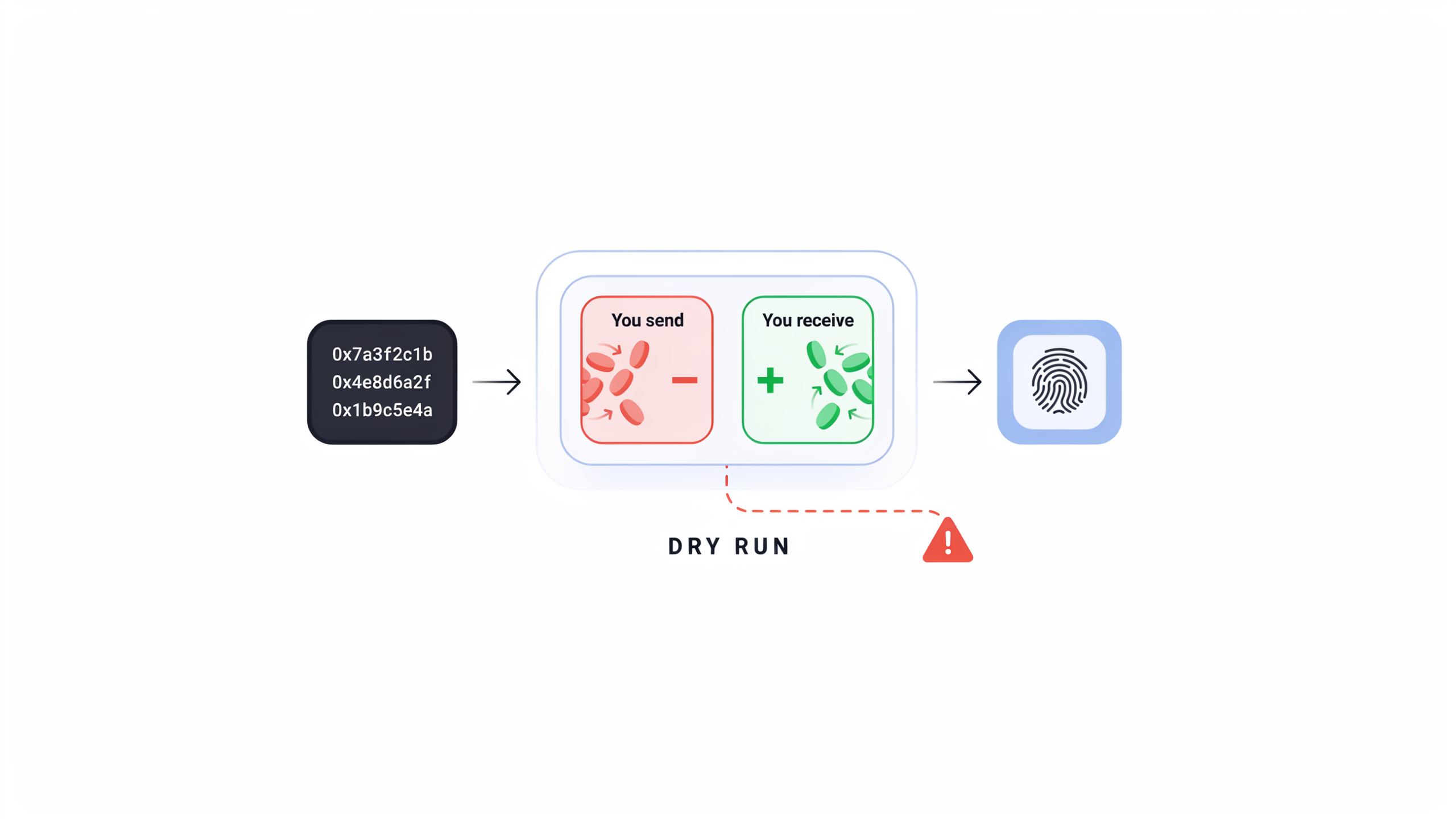
Most wallets ask you to sign first and understand later. A hex blob. A gas estimate. A leap of faith.
Wyro flips that. You see what the transaction will do before you sign — thanks to transaction simulations powered by Tenderly.
What “simulation” means here
A simulation is a dry-run of the exact transaction you’re about to approve. We send the call against current chain state (without broadcasting it) and read back the result: success or failure, and how your balances would change.
So instead of guessing from a contract name, you get a preview:
- Tokens out of your wallet
- Tokens in to your wallet
- Whether the call would revert before you pay for a failed send
That’s the same mental model as a bank preview — applied to onchain actions.
Why Tenderly
Building a reliable simulator across chains and contracts is hard. We use Tenderly as the simulation engine so Wyro can focus on clear UX: open the approval screen early, enrich it with balance changes as the sim completes, and never hide a failed or pending result behind a green “looks fine” button.
When simulation is still running or fails, Wyro asks you to acknowledge that — so you don’t approve blind by accident.
Where you’ll see it
Simulations power the approval flow across Wyro — swaps, sends, and dapp requests — on web, mobile, and browser extension. Same idea everywhere: review the predicted outcome, then sign with your keys.
What simulation is not
- It is not custody. Your keys stay yours.
- It is not a guarantee the mempool won’t move before inclusion — that’s why we also use slippage and price impact.
- It is the best look at “if this lands as built right now, here’s what happens to my balances.”
The bar we care about
- You initiate an action
- Wyro prepares the transaction
- Tenderly simulation shows expected balance changes
- You approve only when the preview matches your intent
Surprises belong in the review screen — not in your wallet after the fact.